Ask your AI to send a project update or a file in Telegram.
Explore Cerber
Start a Telegram group with the people on your project.
Find the approved estimate or the message where you agreed on a deadline.
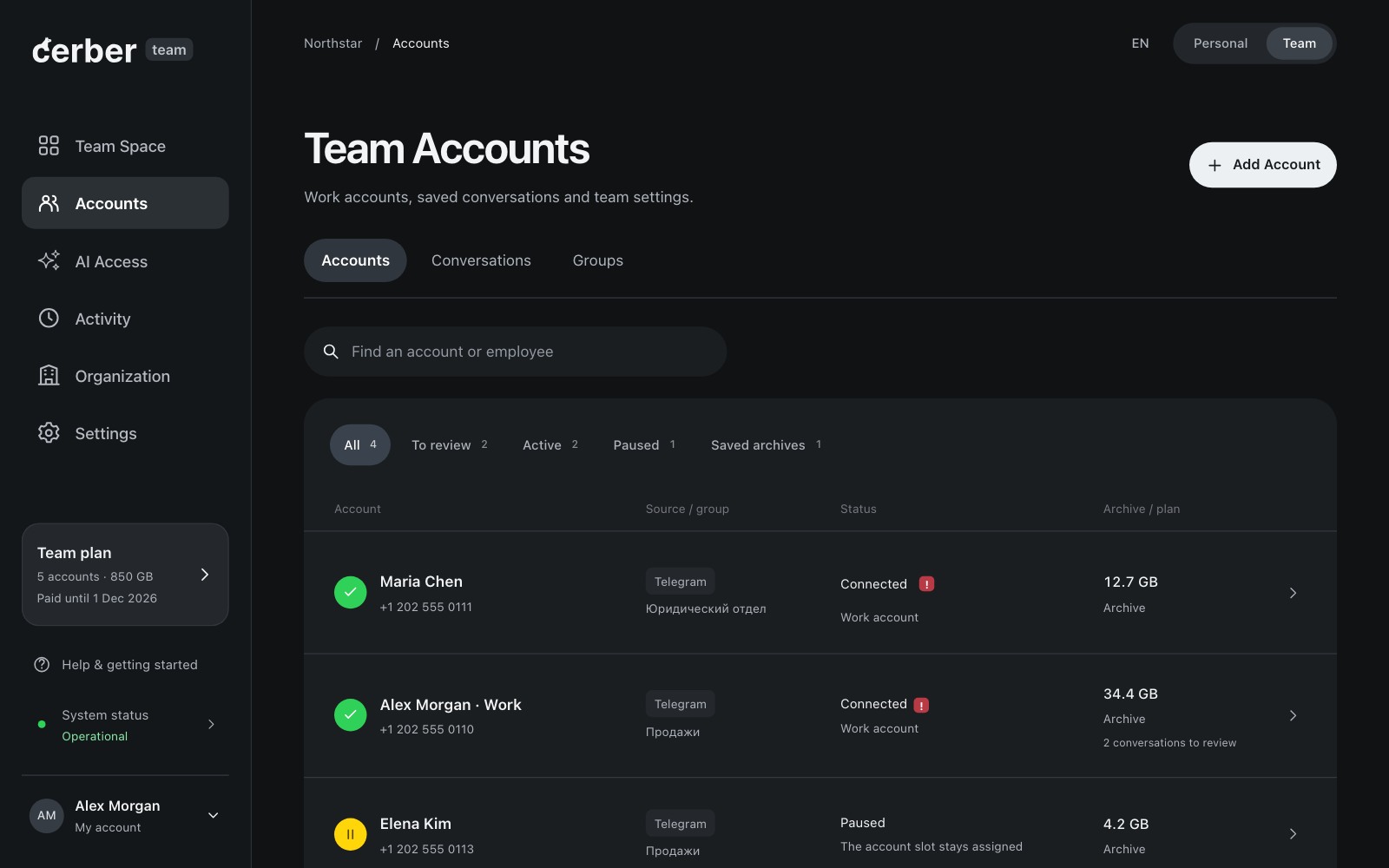
Invite colleagues and see which work accounts need attention.
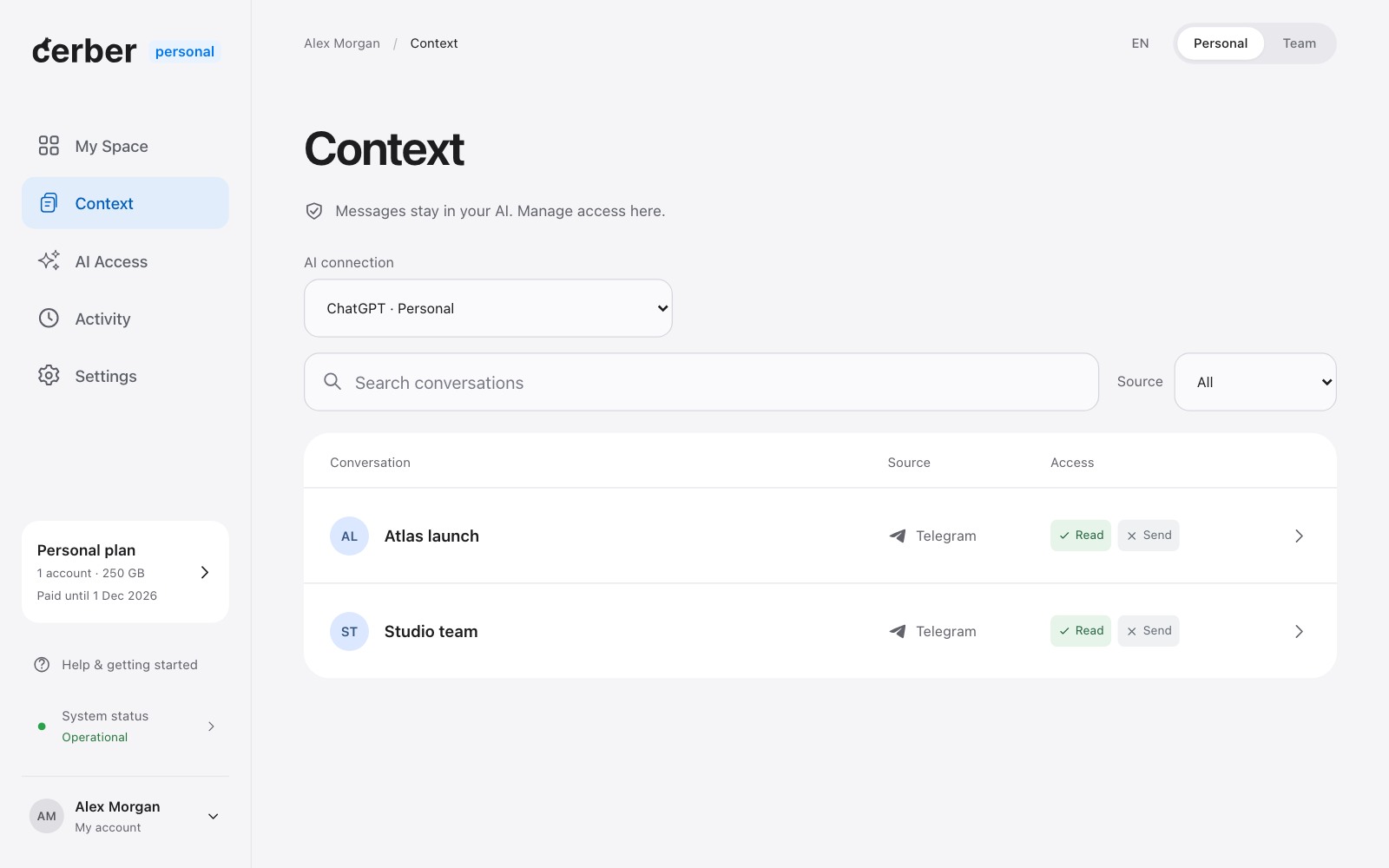
Choose which chats your AI can read, where it can write and for how long.
A planned filter for passport numbers and passwords.
Ask about your chats
Send a message
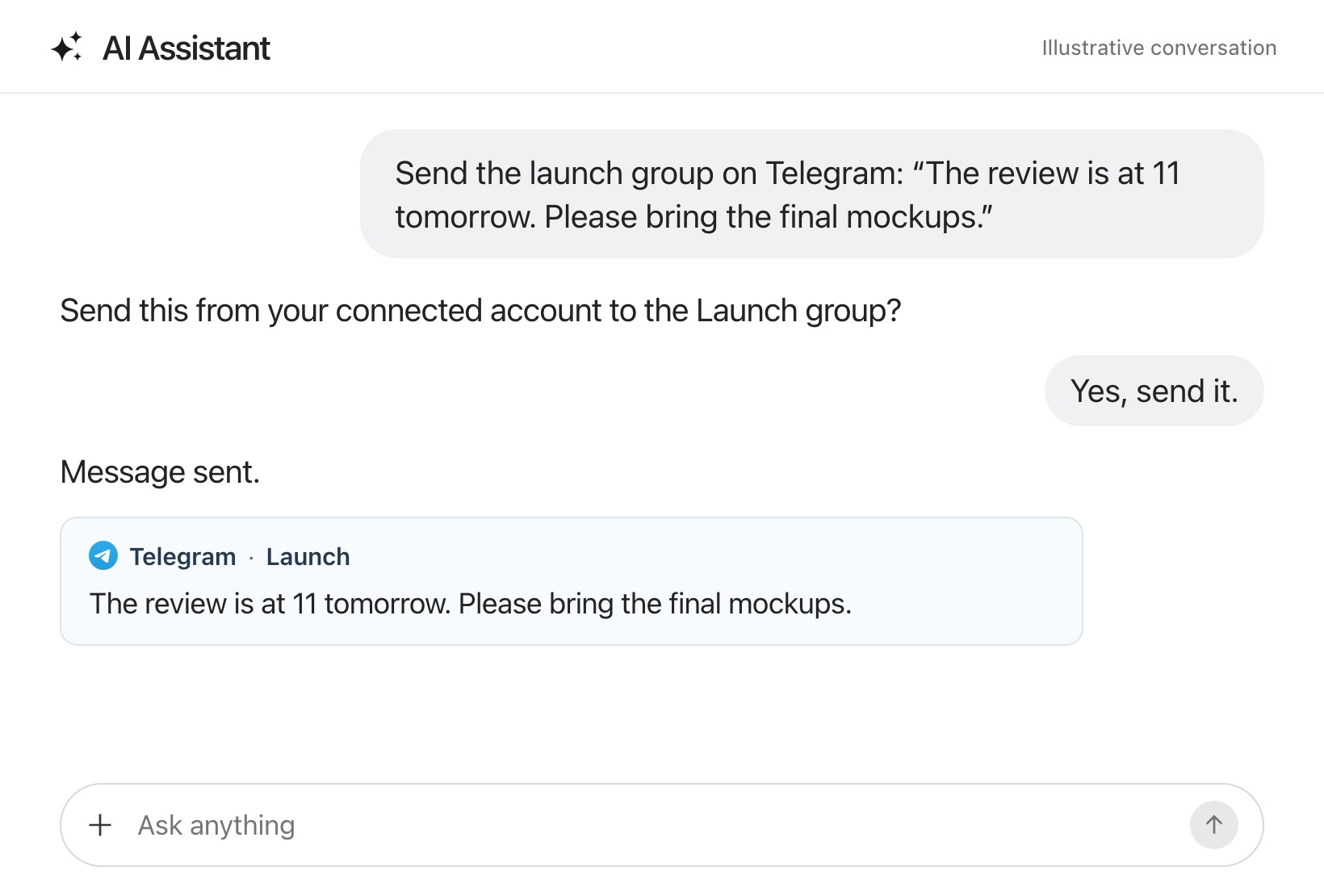
Tell your AI what to say and which chat to send it to. Send it now or schedule it for later.
You. Message Emma on Telegram: “The blue cover is approved. Please send the artwork on Thursday.”
Send this to Emma from your work account?
You. Yes, send it.
Sent to Emma.
When can AI send messages for you?
You choose which chats your AI can read and where it can post. Turn on sending for the editorial chat to see how its reply changes.
How your data and AI access are handled- Read conversations
- Allowed
- Send messages
Tell the editorial team the layout is ready.
Sending is off for this chat.
What connects to Cerber?
Conversation sources
Choose the conversations you want to save.
- TelegramAvailable
- GmailComing soon
- WhatsAppComing soon
AI tools
Choose the tool where you want to ask questions.
- ChatGPT
- Claude
- Cursor
Before you connect
Compare Personal and Team plansCan I keep using Telegram as usual?
Yes. You continue using your Telegram account on your usual devices. Cerber connects as a separate session, which you can see in Telegram’s device list.
Can I choose which chats Cerber saves?
Yes. Select the chats you want to keep. Your AI can search messages and supported files from saved chats you let it read. Secret chats and calls stay outside the archive.
How do colleagues connect their accounts?
A Team administrator sends an invitation. Each colleague opens it and connects their own work account. The administrator can then review devices and set saving rules.
What happens to my archive if I disconnect?
Cerber stops importing messages from that account. Previously saved conversations and files stay in the archive, subject to your subscription and permissions.
Do Personal and Team need two subscriptions?
No. The Team plan includes your Personal workspace. Both share one Cerber subscription and one storage allowance. If you pay for an AI service, its billing stays separate.
Connect the chats you work in
Start with your own account or invite the people you work with.

Start for free14 days free, no card required